 Image unavailable
Illustrative image — products may vary.
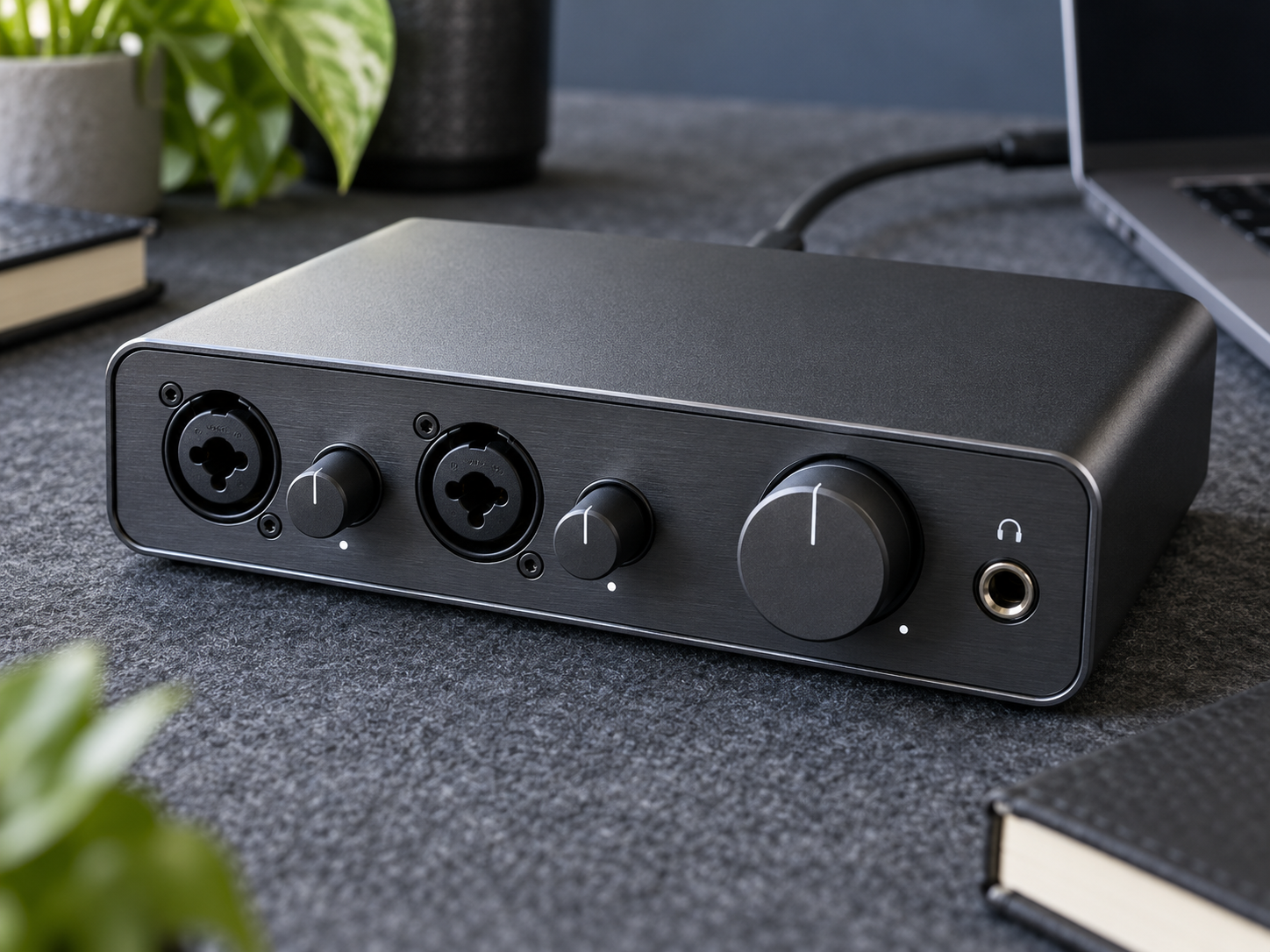
Audio Interface: Help their next recording take shape
An audio interface brings microphone or instrument sound into a supported computer and sends audio out to headphones or speakers. Match the connections to what the recipient wants to record.
Ad: GiftAim earns commission or fees from qualifying purchases and sign-ups through links on this page, at no extra cost to you. How we’re funded.
What are they hoping to record?
Before choosing the box, find out which sounds need to reach the computer. A voice and guitar, a pair of microphones and a keyboard’s stereo output each call for different connections. The interface converts incoming sound into digital audio and provides a way to listen back; the useful gift is the right set of inputs, rather than the largest number on the packaging.
Count sources they will record together. A combined microphone-and-jack socket accepts more than one plug type, but it remains a single input. Someone who already owns an interface may be asking for another channel or a particular connection, rather than a replacement of similar size.
A MIDI keyboard controller serves another job: sending playing instructions to a compatible sound source. For software instruments, check the controller and software they need rather than assuming the interface supplies the keys or sounds.
Follow the whole signal path
A guitar or bass connected directly needs a suitable instrument or Hi-Z input. Line-level and microphone inputs are different.
Match any microphone’s connector, cable and power requirements. Phantom power should be used only with equipment that supports it.
Check the exact operating system, driver requirements and recording software. A USB-C connector does not by itself prove compatibility or sufficient power.
Make listening back comfortable
Direct monitoring lets the player hear an input without sending it through the recording software first. Listening through software may still be needed for its effects. Compare the headphone connection, speaker outputs and monitoring controls with how the recipient works; these everyday details can matter more than headline recording specifications.
Allow for missing USB, instrument, microphone and speaker cables, and confirm what comes in the box. Included software can require registration and may have licence limits. Keep accounts with the recipient. For rehearsals or field sound away from the computer, a portable digital audio recorder offers a different approach.