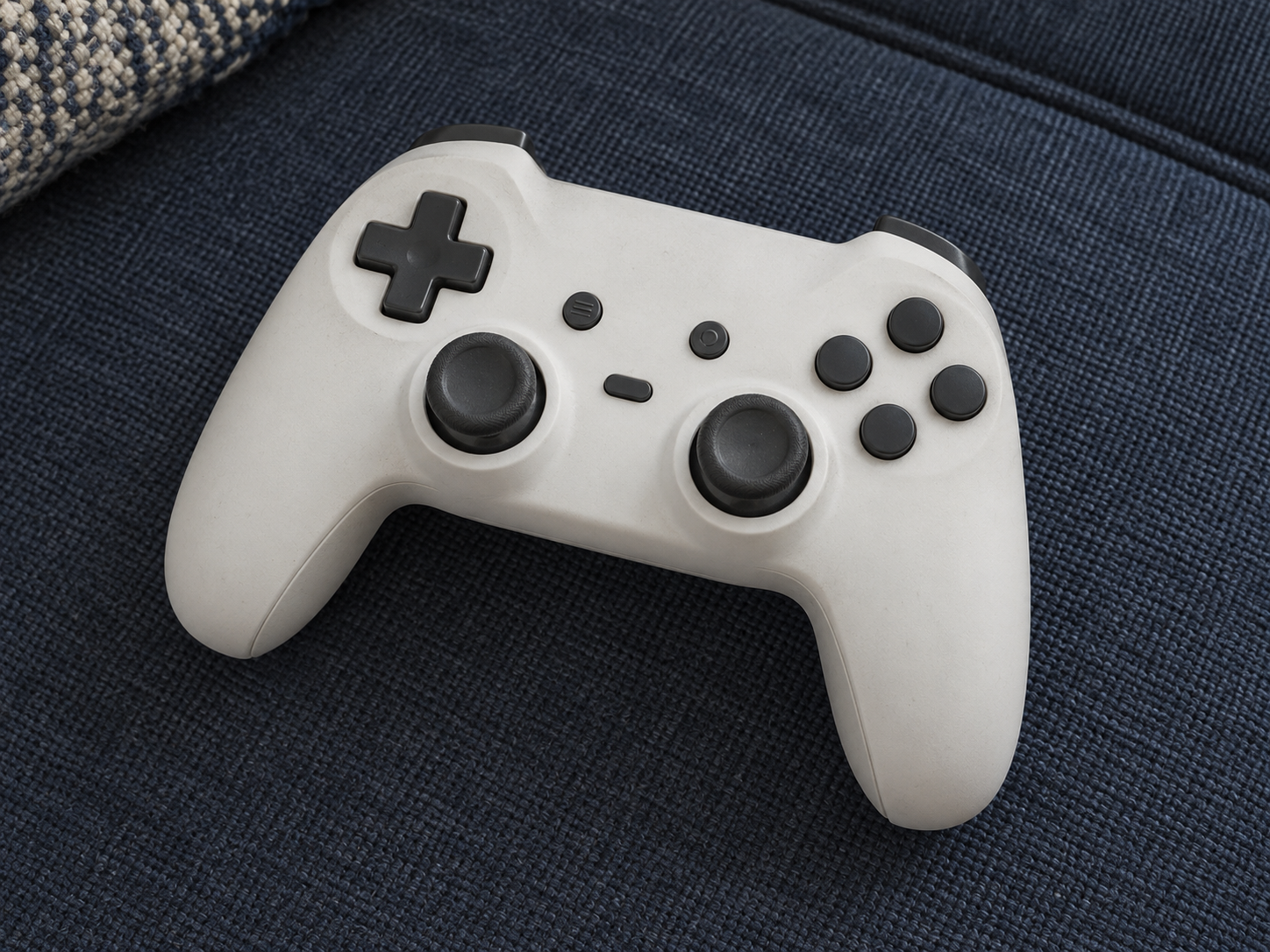
AI-generated illustrations; products may vary. Browse products via the shop links.
Game Controller: A gamepad that fits the way they play
A game controller can replace a worn favourite or support another local player. The exact platform, connection and feel matter more than the feature count.
Ad: GiftAim earns commission or fees from qualifying purchases and sign-ups through links on this page, at no extra cost to you. How we’re funded.
Replace a frustration or add another player
A useful controller has a clear purpose: replacing a tired gamepad, giving someone a preferred grip or letting another person join a local game. Find out which job matters before paying for extra controls. Another gamepad only creates shared play when the actual game supports local multiplayer on that system.
Compatibility is more than a familiar shape
Start with the console's exact model and generation, or the computer's operating system. Then follow the manufacturer's support for the connection they will use. A controller can support a platform without offering every feature on it. Headset audio, motion controls, vibration, wake functions and adjustable settings deserve separate checks.
Generations matter physically as well as electronically. Wireless pairing doesn't necessarily mean a controller can attach to a handheld or charge from it. A listing may also use 'wireless' for a computer connection while requiring a cable on a console; read each supported mode.
For a handheld game console, distinguish playing on the built-in screen with a separate gamepad from docked play or attaching controls to the device. That small question can save a very awkward present.
Let their hands choose the upgrade
Ask about stick position, grip size and trigger feel. Someone happy with their usual layout may prefer a dependable replacement to a different design with more features. Rear buttons and trigger adjustment can be worthwhile when requested, but a sensor name or high polling rate is not a promise of comfort or better results.
A racing wheel and pedal set suits a different style of play, as does an arcade fight stick. These are specialist choices for an interested recipient, rather than automatic improvements on a gamepad.
Plan the lead, battery and headset together
Check what powers it and what comes in the box. A built-in battery, replaceable cells and an optional rechargeable pack lead to different charging arrangements. Wireless models may need a particular receiver; wired models need enough cable to reach their seat comfortably.
If a controller charging station would help, match it to the exact controller and battery pack. The presence of a dock does not turn ordinary cells into rechargeable ones. A gaming headset also needs confirmed sound and microphone support through the controller's chosen connection mode.
Leave remapping and account decisions with the recipient. A return option gives them a chance to judge the fit where it matters: in their own hands, playing their own games.