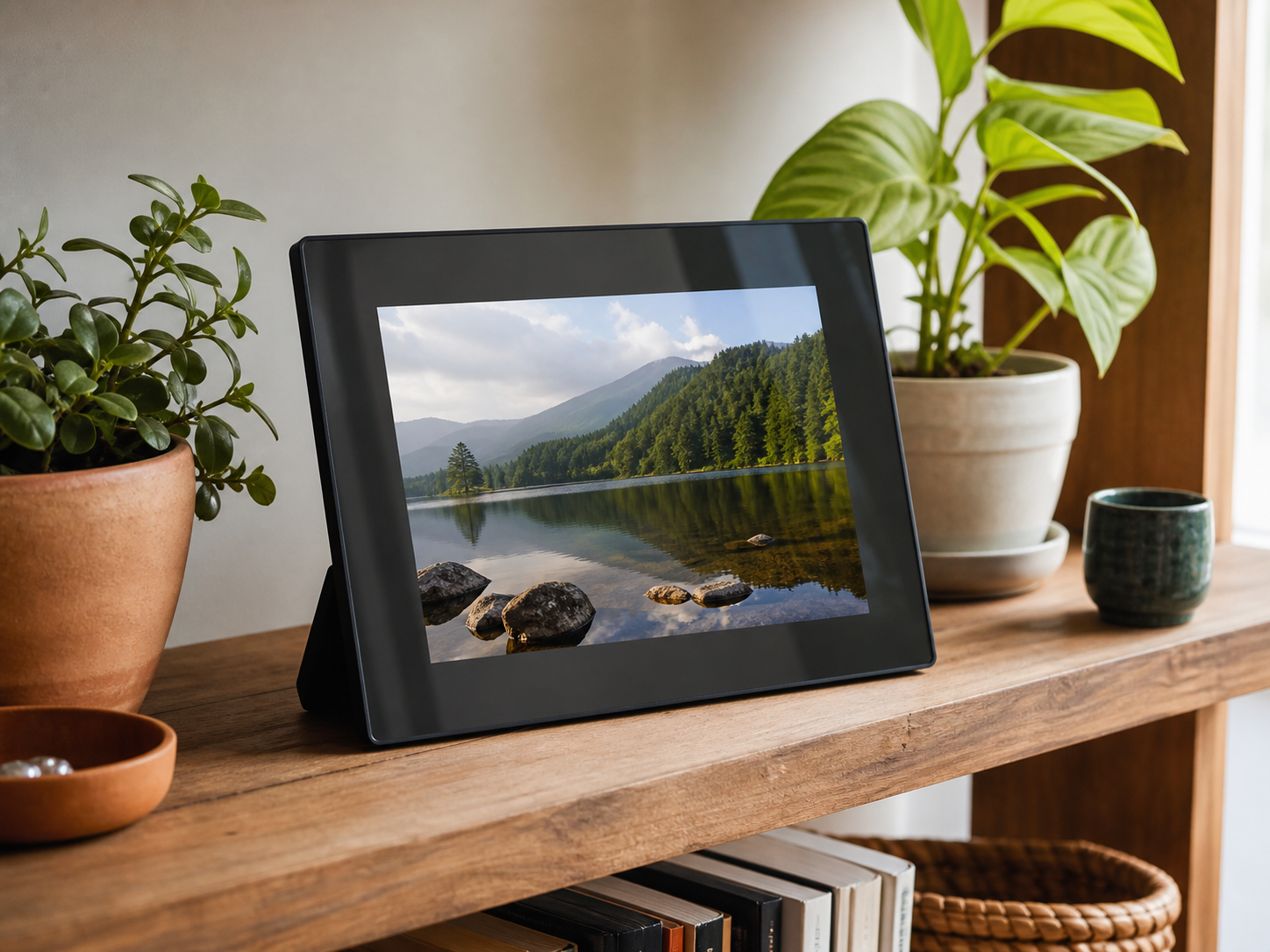
AI-generated illustrations; products may vary. Browse products via the shop links.
Digital Photo Frame: Keep favourite moments in view
A digital photo frame brings a changing collection of family, friendship and travel memories into everyday view.
Ad: GiftAim earns commission or fees from qualifying purchases and sign-ups through links on this page, at no extra cost to you. How we’re funded.
A changing collection, rather than one favourite photo
A digital frame gives family photographs, holiday memories or their own photography a place in the room. The gift works best when someone has thought about the next batch of pictures as well as the ones loaded for the occasion.
Find out whether they would enjoy choosing photos themselves or prefer relatives to send them. That decision matters more than a long list of slideshow effects.
How will they add new pictures?
Choose the loading method around the people who will use it, then confirm what the particular frame supports.
| Comparison criterion | Connected sharing frame | USB or memory-card frame |
|---|---|---|
| Sending photos | A compatible app or online service can let invited people send pictures from elsewhere. Check contributor permissions and account requirements. | Photos are copied to a supported card or drive, or transferred to internal storage where available. Updating the collection needs another transfer. |
| First setup | Allow for home Wi-Fi, a suitable phone or tablet and an account. Preloading a gift does not necessarily complete setup at the recipient’s home. | Check supported files and storage formats, the controls and whether a card or drive is supplied. Someone still needs a way to prepare the pictures. |
| Ongoing requirements | Look at what is included without payment, what a subscription adds and which service receives new pictures. Decide who will help with connection changes. | Check whether the storage device stays in the frame. An offline model avoids online sharing requirements, but will not receive distant relatives’ pictures automatically. |
Check the service behind remote sharing as well as the frame itself. Storage, video limits and contributor access can vary by model or plan. A trial or optional upgrade shouldn’t become an unexpected bill; establish whether the features they want remain useful without it.
Picture quality in the place they will use it
Screen size alone tells you little about how a photograph will look. Compare resolution and viewing angles, and look at portrait pictures as well as landscape ones. Cropping may cut off the edge of a group photo; borders may leave more of the screen unused.
Check for brightness adjustment and a sleep schedule so the display suits the room. Measure the stand and frame against the intended shelf, with access to a suitable socket. A digital frame is not necessarily battery powered.
For someone who prefers printed photographs
A photo printer lets them choose pictures for an album or give copies to other people. It needs compatible paper and ink or cartridges, but may be a better match if they would rather handle prints than keep a display updated.
Give them a frame they can take over
A few thoughtful steps help the frame feel like their present, rather than an account they have inherited.
Pick the pictures with them in mind. Mix familiar people, everyday moments and favourite occasions. Ask before including other people’s photographs; a carefully chosen collection is better than a whole camera roll.
Use the intended gift procedure. Follow any preparation steps the maker provides and check what must wait until the frame reaches the recipient’s home. Preloading photos may not finish the Wi-Fi or account setup.
Leave ownership and help clear. Agree who controls the account, who may contribute and who can help later. Show them how to remove pictures and contributors, and keep a separate copy of the originals.
Alternatives to consider
-
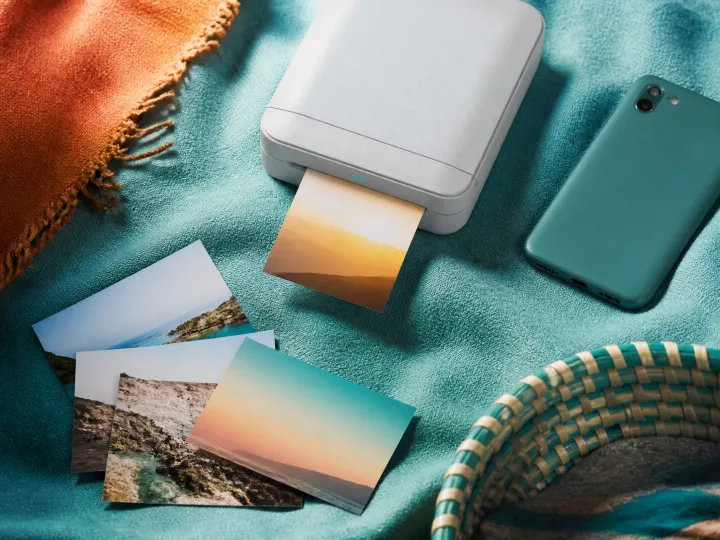
Photo Printer
For someone who would rather make prints for albums, cards or sharing by hand. Allow for compatible paper and ink or cartridges.