 Image unavailable
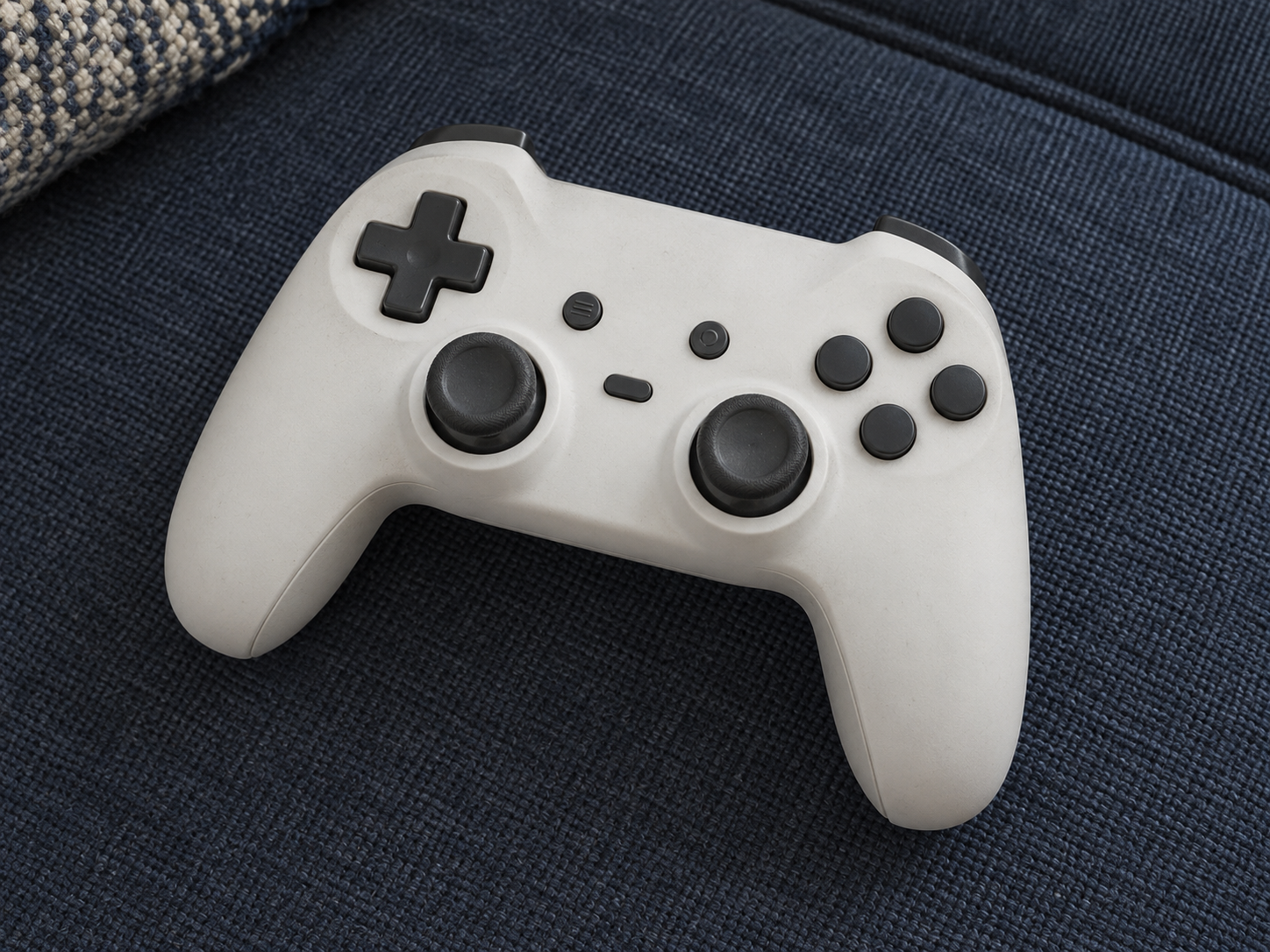
Illustrative image — products may vary.
Game Controller: The right controller for their next session
A compatible game controller can replace a worn gamepad or add a second player, provided its platform, connection and layout suit the way they play.
Ad: GiftAim earns commission or fees from qualifying purchases and sign-ups through links on this page, at no extra cost to you. How we’re funded.
A practical gift with a specific job
A controller earns its place when it replaces a worn gamepad, gives a household a second player or offers a layout the recipient prefers. It is the input device itself, not a charging dock or a guarantee of better scores.
Compatibility comes first
Identify the exact console or computer before buying. A controller that connects to one platform may not support another, and a familiar shape is not proof of compatibility. Check the manufacturer’s supported systems and the games or modes the recipient uses.
For wireless play, check whether a receiver, batteries or a charging cable is included.
For wired play, check the port, cable length and distance from the screen.
If they use headset audio or extra controls, verify those functions on their platform.
For a second player, check that the intended game supports local multiplayer.
Comfort is personal
Stick placement, grip size and button feel are matters of preference. A return option is useful if you cannot try the fit first. Extra rear buttons or adjustable settings are worthwhile only if the recipient will use them; a reliable familiar layout may be the better gift.