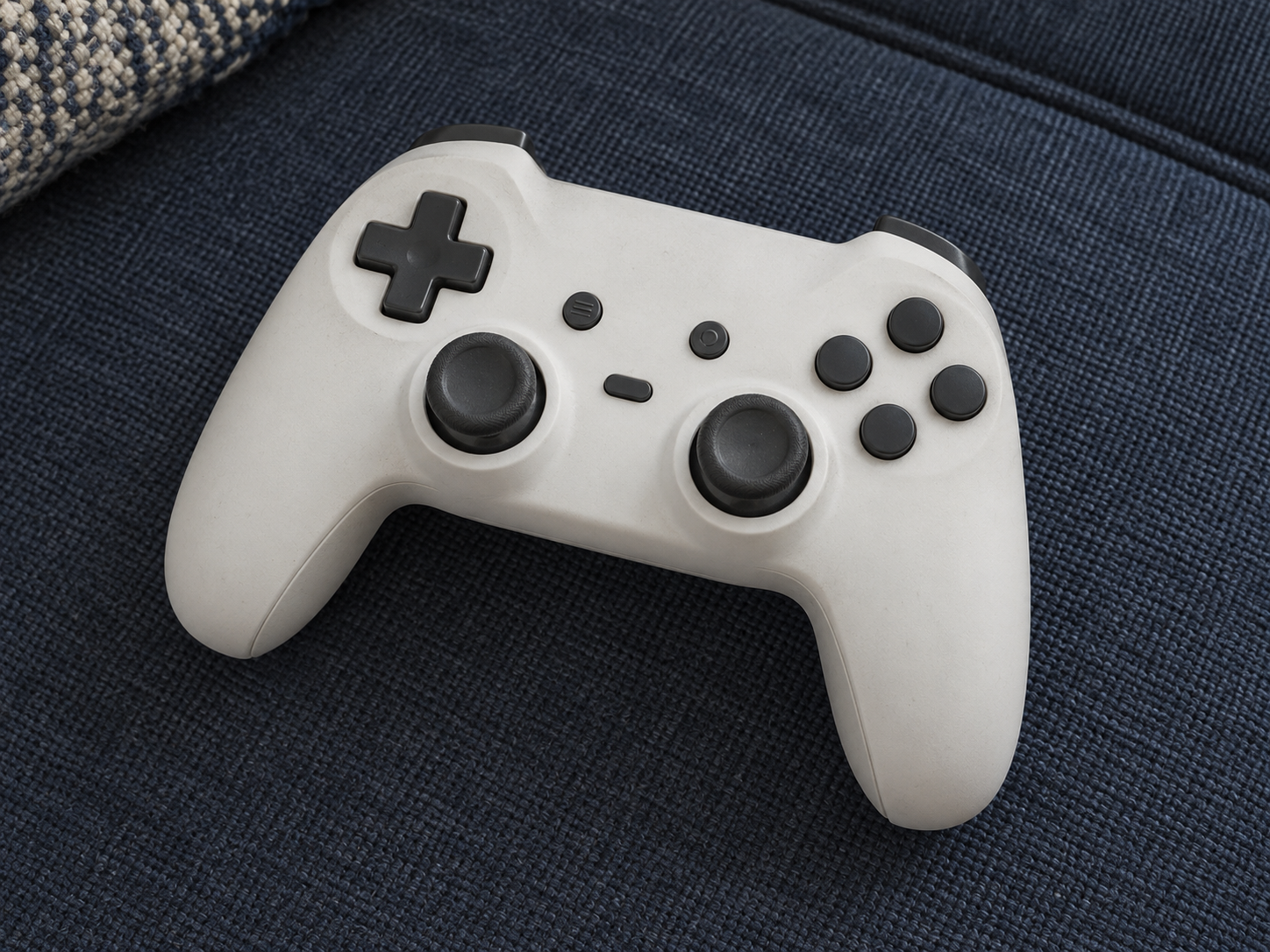
AI-generated illustrations; products may vary. Browse products via the shop links.
Game Controller: The right controller for their next session
A compatible game controller can replace a worn gamepad or add a local player when the game supports it. Match the layout, features and power arrangement to their system.
Ad: GiftAim earns commission or fees from qualifying purchases and sign-ups through links on this page, at no extra cost to you. How we’re funded.
Give a controller a job
A spare for shared games, a replacement for a worn favorite or a layout they find more comfortable: each is a good reason to choose a controller. A long list of extra buttons is less useful if it doesn't solve one of those needs. For local multiplayer, establish that the particular game supports another player on the same system.
Read past the platform logo
Confirm the exact console generation or computer, connection method and required features. A model sold for several systems may work differently on each. On a PC, check the supported operating system and game support rather than assuming the familiar button layout makes setup automatic.
Compatibility can be partial. A controller may pair wirelessly without attaching to a handheld or charging from it; motion controls, vibration, headset audio and wake functions can differ. Read the maker's model-specific support, especially when moving between generations. A controller advertised as wireless for a PC may still need a cable on a console.
For a handheld game console, find out whether they want docked play, a controller held separately or controls that attach. Those are different physical uses even within one console family.
Choose a grip they want to keep holding
Stick placement, grip size, trigger feel and button resistance are personal. A familiar replacement can be more welcome than an unfamiliar upgrade. Rear buttons or adjustable triggers earn their place when the recipient has a use for them; sensor technology and polling-rate claims don't establish lasting comfort or guarantee better play.
A dedicated racing wheel and pedal set or arcade fight stick is a more specialized choice. Pick either because they want that style of control, not because it looks like a universal gamepad upgrade.
Solve power and audio before wrapping
Check whether wireless play uses built-in charging, replaceable batteries or a separately purchased battery pack.
Count the included receiver and cables, and measure a wired lead against the seat-to-screen distance.
Verify headset sound and microphone support through any controller socket, in the connection mode they will use.
A controller charging station is a separate purchase decision. Its fit and battery arrangement must match this exact controller; a dock can't make an incompatible battery rechargeable. If voice chat is part of the plan, choose a gaming headset that works through the same setup.
Keep the return option useful and let the recipient decide on account changes or remapping. A controller that feels right and works with their own games is the upgrade that counts.