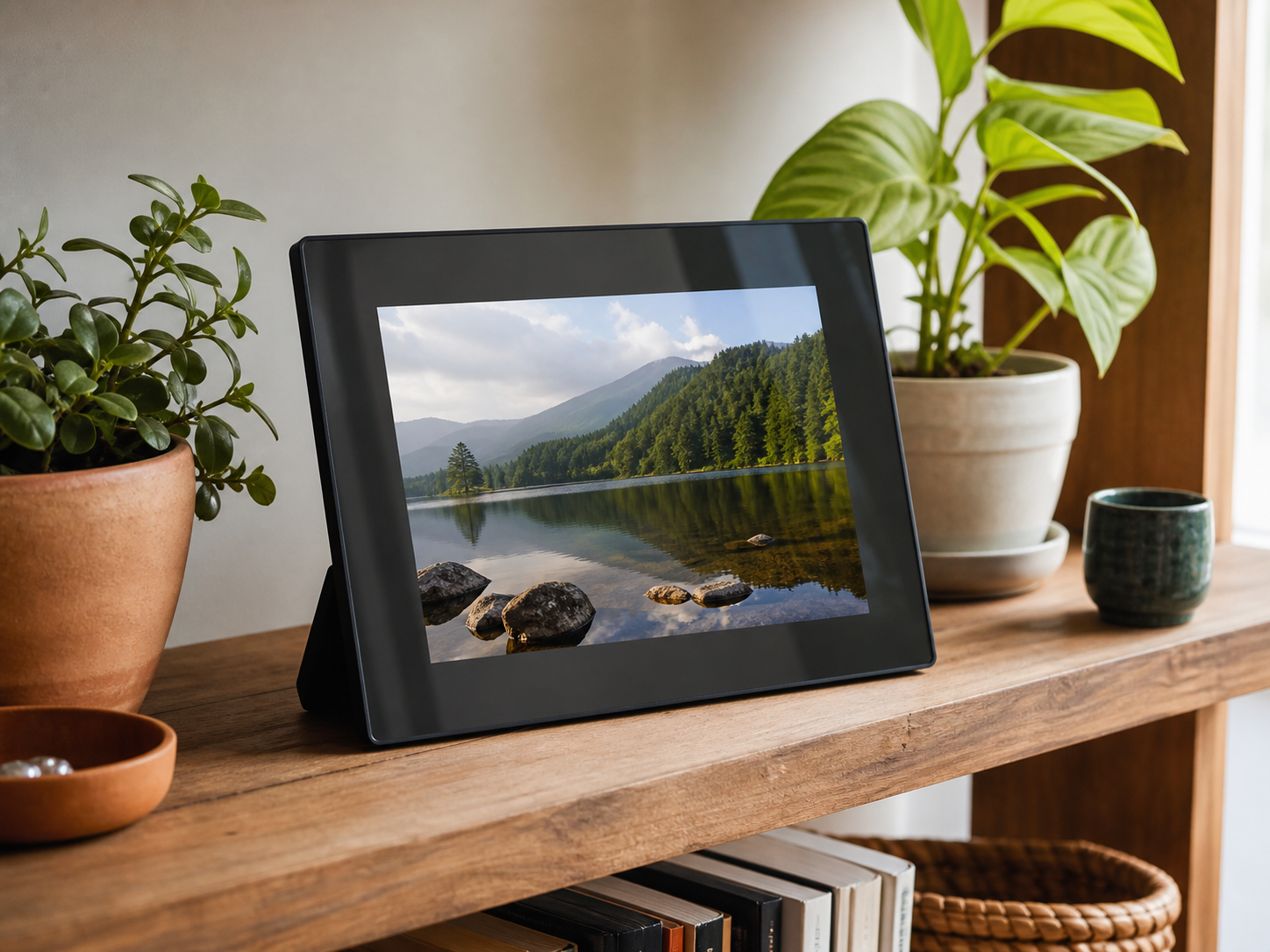
AI-generated illustrations; products may vary. Browse products via the shop links.
Digital Photo Frame: Keep favorite moments in view
A digital photo frame brings a changing collection of family, friendship and travel memories into everyday view.
Ad: GiftAim earns commission or fees from qualifying purchases and sign-ups through links on this page, at no extra cost to you. How we’re funded.
Give the photos a place in everyday life
A digital frame can put a whole collection on a desk or shelf: a recent trip, family snapshots or photographs they have taken themselves. The most useful choice is one that makes adding the next picture as comfortable as watching the first slideshow.
Start with where their photos live and who will keep them coming. A relative sending pictures from another state needs a different setup from someone who wants to display a folder already on their computer.
Choose how the photos will arrive
Check the exact model: Wi-Fi, a USB socket and a memory-card slot do not all promise the same photo-loading options.
| Comparison criterion | Wi-Fi sharing frame | USB or memory-card frame |
|---|---|---|
| Adding pictures | An app or supported online service sends photos to the frame. Check whether trusted relatives can contribute from their own accounts. | Someone copies compatible files onto a supported drive or card, or into internal storage if the model allows it. |
| Getting started | Plan for a compatible phone or tablet, an account and access to the recipient’s home Wi-Fi. Gift preparation may still leave on-site setup to finish. | Check card or drive format, file support and the supplied controls. A computer or another way to prepare the files may be needed. |
| Keeping it useful | Review included storage, optional paid features and the service needed to receive new pictures. Assign someone to help if the connection changes. | New pictures need another transfer. Confirm whether the storage device must stay inserted and whether one is included. |
Check the service behind remote sharing as well as the frame. Included storage, video limits and contributor access can vary by model or plan. A trial or optional upgrade shouldn’t leave the recipient with an unexpected bill; confirm that the features they need remain useful without it.
Look at their pictures, not just the screen size
Compare the screen’s actual resolution as well as its diagonal size. Look for examples of both portrait and landscape photos: a frame may crop the edges or leave borders to fit them. A useful preview or crop control helps keep faces in the picture.
Check viewing angles for the place it will sit, brightness controls and a sleep schedule for nighttime. A large frame still needs a stable stand, shelf space and a suitable power outlet; do not assume it runs on a rechargeable battery.
When a print would mean more
If they would rather choose one picture for an album or hand a copy to a friend, a photo printer serves a different purpose. It adds paper and ink or cartridge costs, but gives them photographs they can hold instead of a slideshow to maintain.
Prepare a frame they can make their own
A little preparation makes the gift personal while leaving the recipient in charge.
Choose a first collection. Pick recognizable faces and moments they would enjoy seeing again, and leave out near-identical shots. Get permission before sharing other people’s pictures.
Follow the maker’s gift setup. Check whether you can add pictures before handover without registering the frame permanently to your own account. Home Wi-Fi or other setup may still need finishing after it is unwrapped.
Hand over the controls. Agree who will manage the account and contribute photos, show them how to remove a picture or person, and keep the original files backed up elsewhere.
Alternatives to consider
-
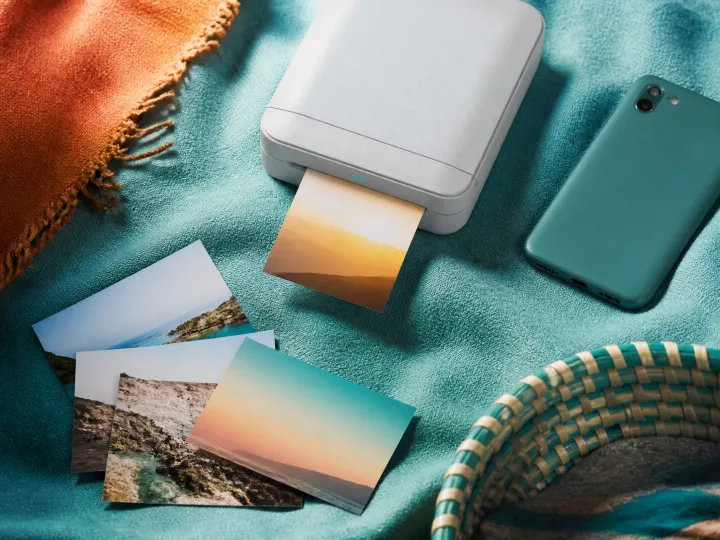
Photo Printer
For someone who would rather make prints for albums, cards or sharing by hand. Allow for compatible paper and ink or cartridges.