 Image unavailable
Illustrative image — products may vary.
Audio Interface: A connection for the music they want to record
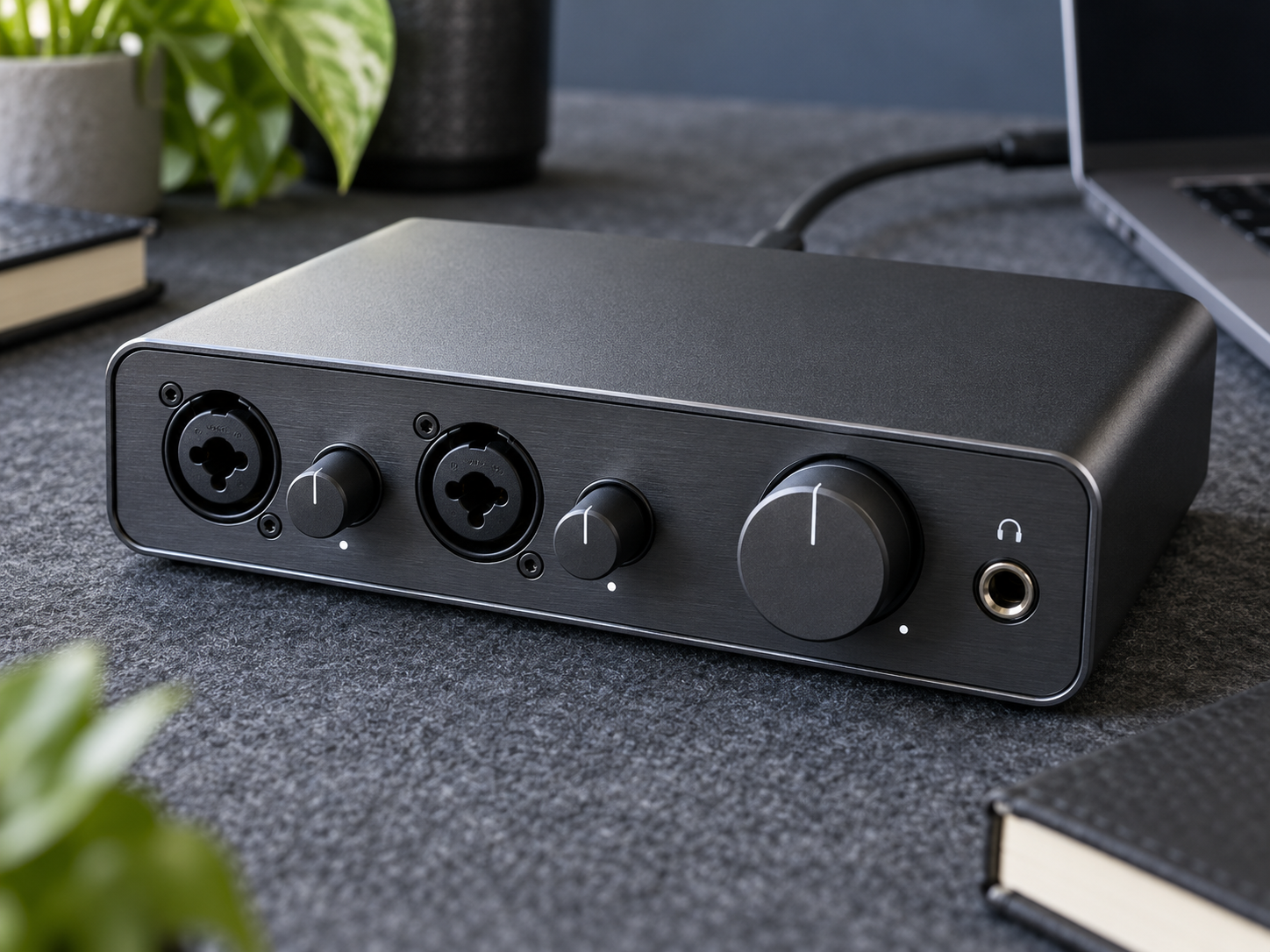
An audio interface connects microphones or instruments to a computer for recording, with outputs for listening back. Choose the inputs, software support and monitoring around their actual setup.
Ad: GiftAim earns commission or fees from qualifying purchases and sign-ups through links on this page, at no extra cost to you. How we’re funded.
Find the missing connection
A guitarist with song ideas, a singer with a microphone or someone building a small recording desk may need a way to get sound into their computer. An interface supplies those connections and turns the incoming sound into digital audio. It is a useful gift when you know what they want to plug in, rather than a general upgrade for anyone who enjoys music.
Count the sources they need to record at the same time. One singer and one guitar need a different input arrangement from two microphones or a keyboard’s stereo output. A combined socket can accept different plugs, but it is still one input; it does not become two recording channels.
If they want keys for playing a software instrument, a MIDI keyboard controller supplies performance instructions rather than recorded audio. Confirm the sound source and software; an audio interface does not replace that controller.
Match the source, then the computer
For an electric guitar or bass plugged in directly, look for a suitable instrument or Hi-Z input. Microphone, instrument and line-level inputs do different jobs.
A microphone needs a matching input and cable. If it requires phantom power, confirm that both microphone and interface support the intended connection.
Verify the exact computer operating system, required driver and recording software. A USB-C socket alone does not establish compatibility or enough power.
Hear the take while it happens
Direct monitoring lets them hear an input without waiting for it to travel through recording software. Software effects may still need the computer’s monitoring path, so compare the controls with the way they work. Headphone outputs, speaker connections and a practical monitor-volume control matter more than a long list of specifications.
Include any missing microphone, instrument, USB or speaker cables in the total. Bundled software may need registration or have license limits; leave account setup to the recipient. Someone who wants to record away from a computer may prefer a portable digital audio recorder.